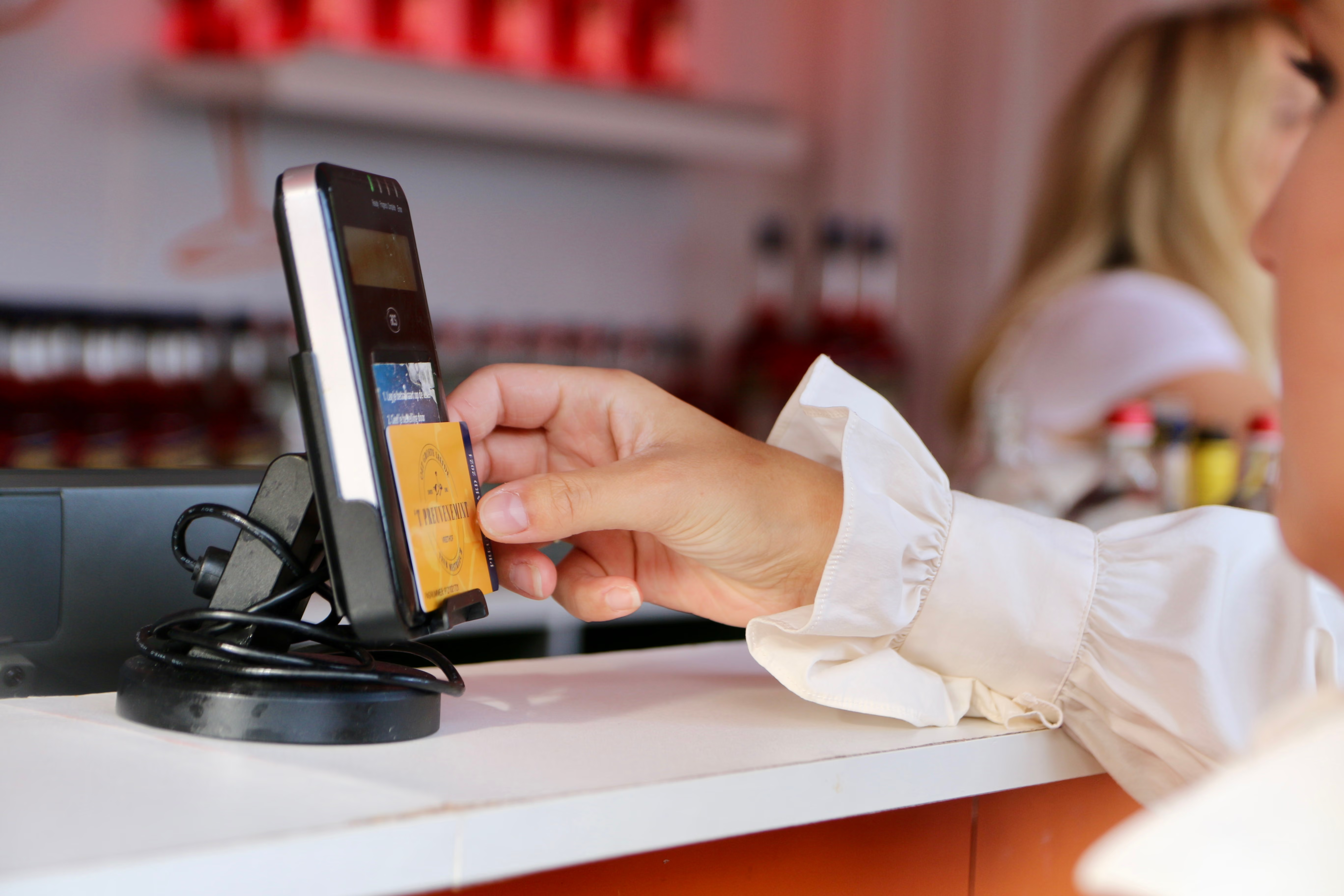

How it works
Five days to get it sorted
- You can request a refund from Monday, August 31 at 8:00 AM until Friday, September 4 at 11:59 PM.
- This can only be done by using the online form in the PreuveneCard management portal.
- If you do not have an account yet, you must first create one, also via the PreuveneCard management portal.
- Keep your PreuveneCard handy, as you will need the tag number. This is located on the back of your card, to the right of the QR code, and consists of 6 characters (see image).
- Once you have created an account, you can link your card by clicking "Link a tag" in the management portal.
- We charge 1 credit to process a refund. This will be deducted from your balance.
- You will be paid out the remaining balance after deducting that 1 credit. The remaining amount will be refunded to the bank account you used to purchase the credits.
Managementportal PreuveneCard