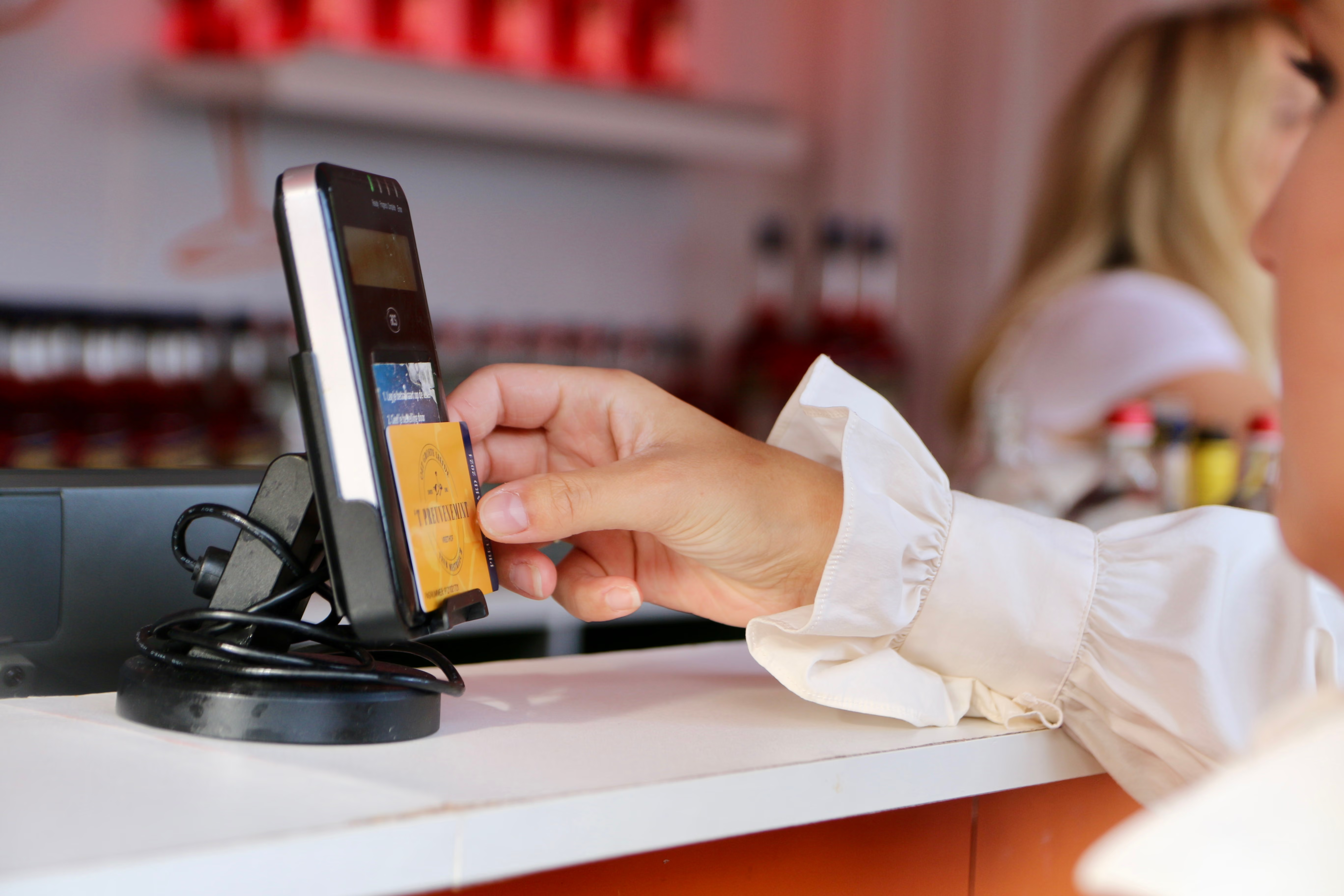

Keep your credits in your pocket
You can buy your PreuveneCard at any of the cash registers on the square and top it up immediately. New this year: you can link your card to your own account so you can see exactly how much credit you have on your phone. Here is how it works:
- Create your account in advance. You can do this from the comfort of your own home using the button below.
- Buy your card at the cash register and top it up immediately.
- Link your card to your account. Click on "Link a tag" in the management environment and enter the tag number found on the back of your card.
- Install the app on your phone. Add the link to your home screen and you will automatically get the WEEPAY app on your device.
From that moment on, you can see live how much credit is left on your card, where you have spent it, and you can top it up yourself whenever you run low. No lines, no hassle. Coming with a group? You can link multiple cards to the same account and manage them all together.
Prefer not to set anything up? That’s fine too, as an account is not mandatory. Your card will work just fine. You can check your remaining balance at various points around the square, and you can top up your card at the cash registers and top-up stations without logging in.
Frequently Asked Questions
Find answers to the most frequently asked questions about the PreuveneCard here.
Yes. Repeat the "Link a tag" step for each card, entering the tag number for that specific card each time. This allows you to manage the cards for your entire group from a single phone.
With an account, you can view it live in the app. If you don't have an account, you can check it at the registers at all the stands.
With an account, you can top up from your phone. Without an account, please visit a checkout or top-up point on the square.
Yes, you can request a refund via your account from 8:00 AM on the Monday immediately following 't Preuvenemint until 11:59 PM on the Friday immediately following 't Preuvenemint. The refund fee is 1 credit.
The refund will be automatically credited to the account used for the original purchase. Please check which account was charged!
Still have questions?
Contact us for more information